
Learning to manage money well isn’t just about cutting expenses; it’s about using the tools available to us with intention. That includes apps that help us save money.
As families trying to live with less stress and more margin, we look for systems that support what we’re already doing, rather than adding complexity or pressure. The apps below are part of that system for us.
They won’t replace a budget, and they won’t create overnight results or make you huge amounts of money. But over time, they’ve helped us save consistently and redirect small amounts of money toward things that matter, without changing our spending habits.
I know you can find lists of 20 apps on the internet, but these are tools I’ve personally used for years and found to be legitimate, reliable, and simple to use.
Affiliate Disclosure
This post may contain affiliate links, which means we may receive a commission, at no extra cost to you, if you make a purchase through a link. Please see our full disclosure for further information.
4 Apps That Help Us Save Money or Earn a Little Extra
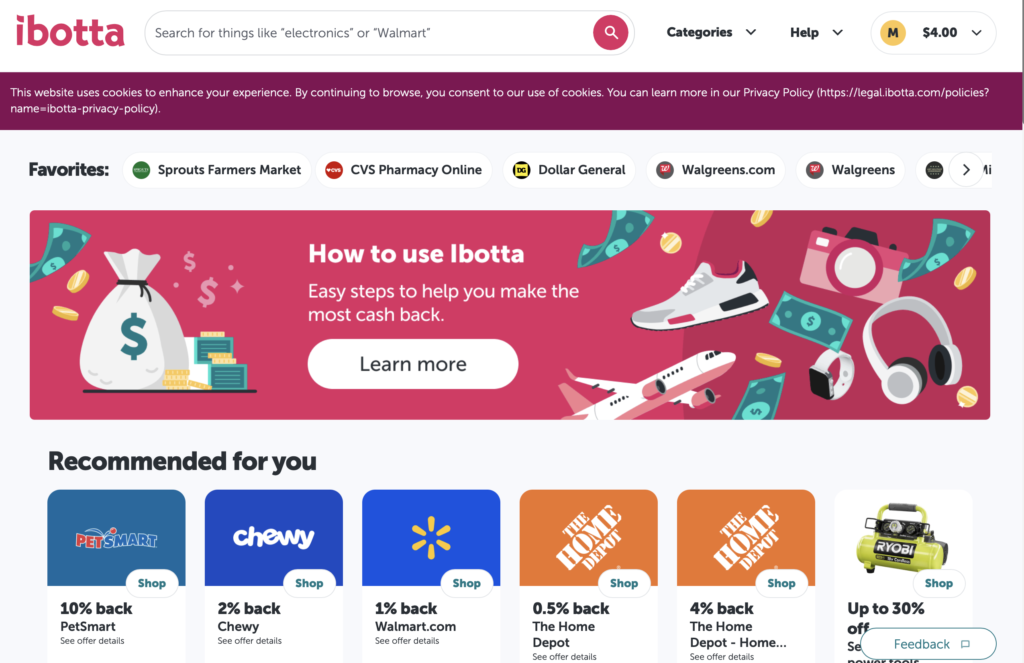
Ibotta: Cash Back on Everyday Purchases
Ibotta is one of the most well‑known cash‑back apps, and for good reason. It gives you money back on purchases you already make, both in‑store and online.
You can earn cash back on:
- specific products (milk, cereal, cleaning supplies, etc.)
- or sometimes on your total purchase at participating stores
How It Works
- Download the app and create an account
(Use my code kgqyvqf to receive a welcome bonus.) - Before shopping, activate the available offers in the app
- Shop at the selected stores in which your offers have been activated.
- Upload a photo of your receipt in the app
- Your cash back is credited once verified
Once you reach $20, you can withdraw your balance via:
- PayPal
- or gift cards
When using Ibotta
I’ve been using Ibotta since 2015, some years more actively than others, and I’ve earned over $1,663.85 back simply by being consistent.
Be careful of not buying things to redeem the cashback; check for the products that you already buy to see if they have offers.
Combine their offers with the sales in your store and even digital or paper coupons for more savings.
Bonus
When you sign up using this link or use the code kgqyvqf, you’ll receive a $5 bonus after redeeming your first offer.
Important Note
The apps shared in this article are primarily designed to work within the United States, which is where I am currently located. I recommend reviewing the terms and conditions of each app to confirm availability in your state or country, as some restrictions may apply. You may also want to explore similar apps that work better in your location.
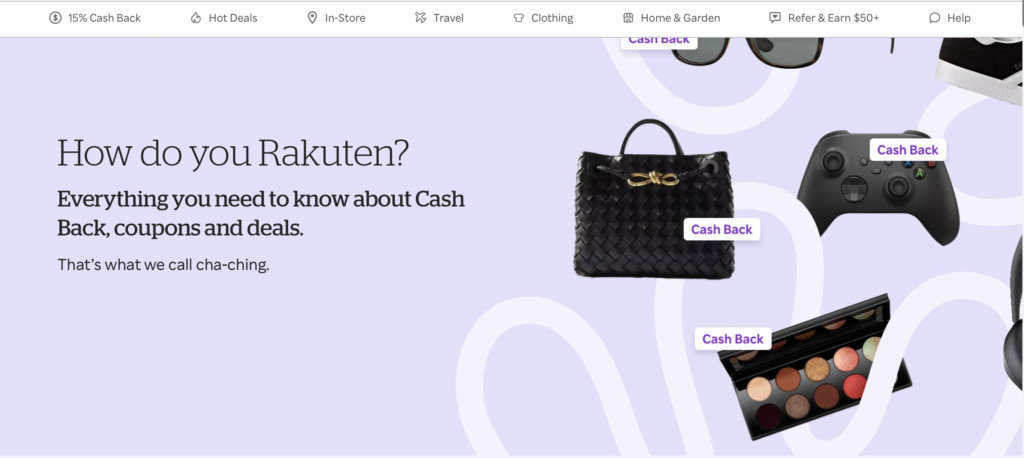
Rakuten: Cash Back and Coupons for Online Shopping
If you shop online at all or even occasionally, Rakuten is one of the easiest ways to save without changing your habits.
Rakuten partners with over 2,500 online stores, including Macy’s, Sephora, Walmart, Best Buy, Expedia, and many others.
How It Works
- Sign up for Rakuten
(Use this link to qualify for the bonus.) - Before shopping online, start your purchase through Rakuten’s website or app. You can also install a browser extension that will show the options available.
- Rakuten tracks your purchase and credits a percentage back to your account after the determined qualifying period.
- During checkout, Rakuten automatically searches for coupon codes and applies the best one available
Cash‑back rates vary by store and time. I’ve seen rates as high as 15%, depending on promotions.
When Do You Get Paid?
Rakuten issues payments four times a year:
- February
- May
- August
- November
Your first payment arrives by check, and future payments can be sent directly to PayPal.
So far, we’ve earned $793 through Rakuten on purchases we already needed to make: clothing, household items, electronics, pet supplies, and more.
Bonus
Using this link, you’ll receive a bonus after your first qualifying purchase. I’ve seen bonuses up to $50.
The best part? You can stack:
- store sales
- coupons
- credit card rewards
- plus Rakuten cash back
It adds up faster than you expect; just create your account and remember to use it.
Fetch Rewards: Scan Receipts, Earn Points
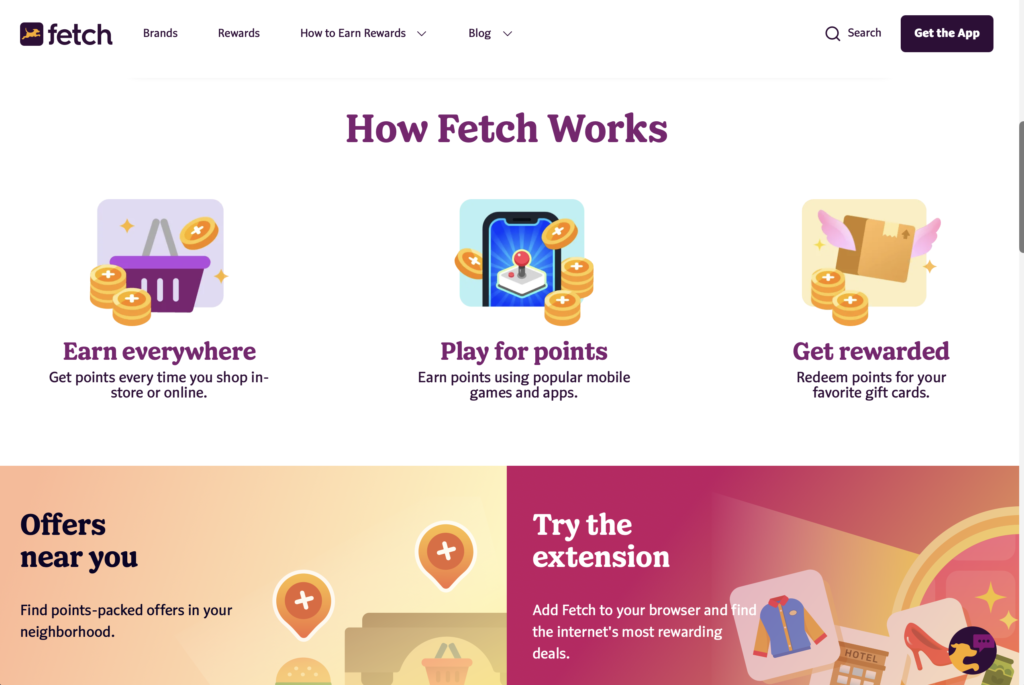
Fetch is one of the simplest apps to use. There’s no need to activate offers or plan purchases. Just submit your receipts.
How It Works
- Download the app and sign up
(Use code W4MQ6K.) - Scan your grocery or retail receipts
- Fetch awards points based on participating brands (over 200 brands)
If your receipt includes qualifying brands, you earn points based on how much you spent. If not, you usually still receive 25 points just for scanning.
Fetch also offers:
- bonus point promotions
- challenges
- and a games section where you earn points by completing missions
Redeeming Points
- 3,000 points = $3
- Redeem for gift cards (Amazon, Target, etc.)
While Fetch accumulates more slowly than others, I’ve redeemed over $150 in Amazon gift cards simply by scanning receipts consistently. Whenever I want to accumulate faster, I’ll download a game and play or give it to the kids.
Bonus
Sign up with code W4MQ6K to receive 2,000 bonus points.
Evidation: Get Rewarded for Staying Active
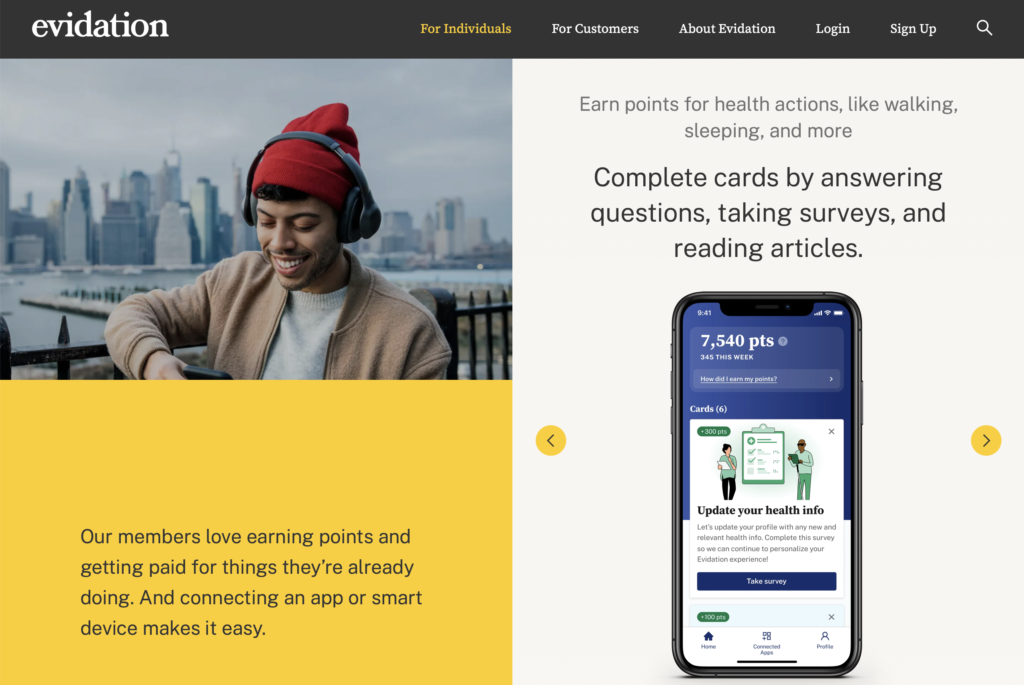
Evidation (formerly Achievement) rewards you for healthy activity you’re already doing.
You can connect apps like:
- Apple Health
- Fitbit
- Garmin
- Samsung Health
How It Works
- Earn points for walking, running, workouts, etc.
- Read health‑related articles
- Complete short health surveys
The redemption goal is:
- 10,000 points = $10
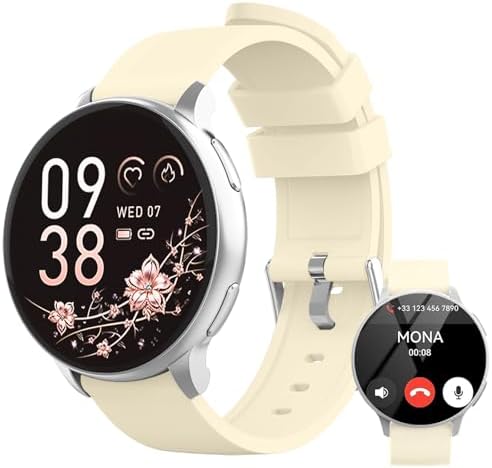
When I started, I didn’t have a smartwatch and accumulated points very slowly. Once I began tracking my steps automatically, I started earning between 700 and 1,000 points per month, even without being very intentional. Know that some apps and smartwatches connect better than others. Now that I have a treadmill at home, I’m accumulating points faster.
![Apple Watch Series 11 [GPS 46mm] Smartwatch with J...](https://m.media-amazon.com/images/I/416RQ0rtsUL._AC_.jpg)
Redemption Options
- PayPal
- bank transfer
- gift cards
- donations to nonprofits
One added benefit is that Evidation provides health data insights, activity patterns, and general suggestions to improve wellness.
How We Actually Use This Money
These apps are part of our personal financial system, not a replacement for budgeting, but a complement to it.
The money earned has gone toward:
- putting it back on the budget
- small emergency needs
- Christmas gifts
- paying down small debts
- covering household purchases
- or enjoying something extra without stress
The key is intentionality. Before using this money, I always ask:
- What is the purpose of this money right now?
- How does it support our current goals?
- Does it reduce stress or add margin?
Even small amounts, when directed with purpose, can make a difference. I have been able to buy big and small appliances with this.
Final Thoughts
There are many apps to save money, and not every tool works for every family. I share these because they’ve worked for us over time and required very little additional effort.
If you’re curious, try one app first. See if it fits your routine. Build from there.
Small, consistent systems often support sustainable change better than big, dramatic moves.
Great content! Keep up the good work!